Part of ARC Team Software Suite
ARCParts
A full-stack manufacturing tracker and inventory management system built for an FRC team workflow.
Project Overview
ARCParts is a full-stack manufacturing tracker and inventory management system I designed and built for ARC Team 10183, my FIRST Robotics Competition team. The project replaces the spreadsheet-based workflow our team used to manage custom robot parts, fabrication progress, commercial components, inventory, and build-season manufacturing queues.
During an FRC season, teams design, manufacture, revise, and assemble hundreds of parts in a short amount of time. Before ARCParts, our team relied on shared Google Sheets to track who was making each part, what still needed material, what had already been completed, and what commercial components we had available. That worked at a small scale, but it became harder to trust as the robot became more complex.
ARCParts was built to give students and mentors one centralized system for managing the entire part lifecycle, from CAD export to fabrication, completion, inventory tracking, and assembly.
Role: Solo developer, including product design, frontend, backend, database architecture, authentication, CAD file analysis, Discord integration, and deployment structure.
Tech Stack: Next.js 15, TypeScript, Supabase, PostgreSQL, Tailwind CSS, Three.js, OpenCASCADE WebAssembly, Discord.js, Zod
The Problem
Our team needed a better way to manage custom manufactured parts and commercial off-the-shelf components across multiple robots and subsystems. The previous spreadsheet workflow created several problems:
- Students did not always know which parts were ready to manufacture.
- Multiple people could accidentally work on the same part.
- Mentors spent too much time answering what needed to be made next.
- Inventory was split across multiple documents and was hard to trust.
- Duplicate orders were easy to make because we did not always know what we already had.
- Completed, blocked, or reworked parts were hard to trace after the fact.
The goal of ARCParts was to make the manufacturing process more visible, organized, and accountable without slowing students down during build season.
The Solution
ARCParts provides a centralized dashboard for tracking custom parts, commercial components, fabrication status, material needs, and team ownership. Parts can be imported from CAD exports, assigned to machines, claimed by students, marked as completed, and reviewed through an audit history.
The system supports the full manufacturing workflow:
- CAD BOM importing
- Custom part tracking
- STEP file upload and analysis
- Material suggestions
- Machine-specific fabrication queues
- Student part claiming
- Completion photos
- Part history and audit logs
- Commercial inventory tracking
- Shopping list generation
- Mentor approval workflows
- Discord notifications and slash commands
Instead of searching through a spreadsheet or asking a mentor what to work on, students can open ARCParts and immediately see which parts are ready, what machine they belong to, and who is responsible for them.
Key Features
| Feature | What It Does | Why It Matters |
|---|---|---|
| CAD BOM Import | Imports part data from CAD exports | Reduces manual entry and keeps the manufacturing list connected to the robot design |
| STEP File Analysis | Analyzes 3D geometry directly in the browser | Suggests part type and material without requiring server-side CAD processing |
| Machine Queues | Groups parts by manufacturing process and material | Helps students batch similar work and reduce setup time |
| Part Claiming | Lets students take ownership of parts | Prevents duplicate work and improves accountability |
| Inventory Tracking | Tracks commercial parts as individual physical items | Makes it easier to know what is free, installed, broken, lost, or scrapped |
| Shopping List Calculation | Compares required parts against available inventory | Helps prevent duplicate orders and shows what still needs to be purchased |
| Discord Integration | Sends notifications and supports slash commands | Keeps the team updated in the communication platform they already use |
| Audit Logging | Records important changes with actor, action, timestamp, and payload | Makes manufacturing progress easier to trace and debug |
Technical Deep Dive: STEP File Analysis
The most technically advanced part of ARCParts is its browser-based STEP file analysis system. When a user uploads a STEP file, the app analyzes the 3D geometry directly in the browser to determine the part type and suggest likely material.
This is powered by occt-import-js, which brings OpenCASCADE CAD parsing into the browser through WebAssembly. This lets ARCParts process industrial CAD files without running a dedicated CAD processing backend.
The analysis pipeline works in several stages:
- Client-side CAD parsing: The uploaded STEP file is parsed in the browser using OpenCASCADE WebAssembly.
- Mesh extraction: The app extracts vertex and face data from the parsed geometry.
- Bounding box calculation: The system calculates the minimum and maximum X, Y, and Z dimensions of the part.
- Volume estimation: For hollow parts, the system estimates volume using the signed tetrahedron method.
- Shape classification: The app classifies parts as plate, tube, hex shaft, round shaft, or bar stock.
- Material suggestion: The result is compared against common FRC material sizes and returned with a confidence level.
For hollow rectangular tubing, ARCParts uses the part's outer dimensions and estimated volume to calculate likely wall thickness. This helps the app identify common robotics stock such as 2x1 aluminum tube, 1x1 tube, plate stock, shaft stock, and bar stock.
Volume = (1/6) × Σ(v₀ · (v₁ × v₂))

Tube area = 2t(W + H) - 4t²
This prevents the layer often prone to mistakes in which a student uploads a model to our manufacturing spreadsheet and they accidentally give the part the wrong material or thickness.
Technical Deep Dive: Intelligent BOM Importing
ARCParts includes a CSV import pipeline designed to handle messy real-world CAD exports. CAD BOMs are rarely perfect, so the app cleans and classifies rows before they enter the database.
The import system detects placeholder values such as N/A, TBD, see catalog, and other incomplete entries so they do not become broken records. It also recognizes common robotics vendor part number patterns, including WestCoast Products, REV Robotics, The Thrifty Bot, CTR Electronics, VEX Robotics, and McMaster-Carr.
The system can also separate commercial products, raw stock, and non-orderable subassemblies. For example, a swerve module subassembly should usually map to a parent product rather than being imported as several separate catalog items.
To reduce duplicate catalog entries, ARCParts uses product name similarity matching. The algorithm normalizes names, removes vendor prefixes and filler words, compares meaningful terms, and checks for variant conflicts such as different screw head styles.
similarity = matching_terms / total_unique_terms
This import logic is important because the app is built for actual team data, not ideal demo data. Students and mentors should be able to import a realistic BOM and have the system clean up many of the problems automatically.
Manufacturing Workflow
ARCParts organizes custom parts around a clear status pipeline:
| Status | Meaning |
|---|---|
| Needs Material | The part was imported but still needs material assigned |
| Queue Ready | The part is ready to be manufactured |
| In Progress | A student has claimed the part and is working on it |
| In Transit | The part is being handled by an outside vendor |
| Completed | The part is finished and ready for assembly |
This workflow gives students a clear list of available work and gives mentors a better view of progress. Machine queue pages group parts by manufacturing process and material, which makes it easier to batch similar jobs together and avoid unnecessary setup changes.
Students can claim parts, upload completion photos, and update status. Mentors can review bottlenecks, see what is blocked, and trace the history of individual parts if something needs rework.
Inventory and Shopping List System
ARCParts tracks commercial off-the-shelf components as individual physical items instead of only storing a total quantity. Each item can be marked as free, installed, broken, lost, or scrapped.
The shopping list system compares the components required by active robots against the components available in inventory.
demand = Σ(requirements) for active robots
supply = free instances + installed instances on active robots
shortfall = max(0, demand - supply)
This makes the inventory system more useful during a real build season. The team can see what is actually needed, what is already installed, and what must be ordered. When a robot is disassembled, installed parts can be returned to the free inventory pool while preserving an audit trail.
Authentication and Permissions
ARCParts uses Supabase for authentication, PostgreSQL data storage, file storage, and row-level security. Since the app is used by a student robotics team, access control was a major design requirement.
A key goal was making the system fully user-serviceable. Mentors can manage the entire user lifecycle without needing developer access or database intervention. The app includes a dedicated user management dashboard where mentors can view pending signups, approve or reject accounts, change user roles, and remove users who are no longer on the team.
New users can sign up on their own, but accounts remain pending until approved by a mentor. When someone signs up, mentors receive a Discord notification with the user's name and email so they can verify the request. This keeps onboarding fast while preventing unauthorized access.
| Role | Permissions |
|---|---|
| Mentor | Approve users, manage accounts, import BOMs, create robots, manage inventory, delete records, and make structural changes |
| Student | Claim parts, update statuses, upload files, and complete manufacturing tasks |
| Pending | View-only access until approved by a mentor |
The user management system also supports role changes. If a student becomes a team lead or a mentor joins mid-season, their permissions can be updated directly in the app. Users can also be deactivated without deleting their history, which preserves audit logs and part ownership records.
Authorization is enforced at the database level using Supabase Row-Level Security policies. Server actions also include permission checks so the app can return cleaner error messages, but the database remains the source of truth.
Discord Integration
I added Discord integration because that is where the team already communicates during build season. ARCParts sends webhook notifications for important events such as new user signups, part claims, completed parts, blocked parts, rework requests, and BOM imports.
The Discord bot also supports slash commands so team members can check manufacturing information without opening the web app.
| Command | Purpose |
|---|---|
/queue [machine] | Shows parts waiting for a specific machine |
/status [part-number] | Shows details for a specific part |
/stats | Displays robot progress by status |
For rework notifications, users can link their Discord accounts so ARCParts can directly mention the original manufacturer. This makes rework communication faster and more accountable.
All Discord slash command interactions use Ed25519 signature verification with Discord's public key. This prevents unauthorized requests from calling the bot endpoint.
Part Numbering System
ARCParts uses a structured part numbering format based on our team's workflow:
{prefix}-{year}-{type}-{number}
Example: 10183-2026-P-208
The system validates part numbers during form entry, CSV import, and server actions. Assemblies are reserved as multiples of 100, while individual parts cannot use those numbers. This makes it possible to derive subsystem groupings automatically from the part number.
The app also flags year mismatches for mentor review, which is useful when reusing parts or designs from previous seasons.
Database Design
The database is structured around robots, subsystems, custom parts, files, inventory items, requirements, and audit history.
robots
├── subsystems
│   └── parts
│       ├── part_files
│       └── part_history

cots_catalog
├── cots_instances
└── subsystem_cots_requirements
Custom parts are linked to robots and subsystems. Commercial components are managed through a catalog and individual physical instances. This separation lets the app track both design requirements and real inventory.
Every important mutation is logged with the actor, action type, timestamp, and payload. This makes it possible to answer questions like who completed a part, who changed its status, or when a part was marked for rework.
Technical Challenges
The hardest part of ARCParts was making the system handle real team data without becoming fragile. CAD exports are inconsistent, naming conventions are not always perfect, and users often enter incomplete information. A large part of the project involved building validation and cleanup tools that could handle those edge cases while keeping the app simple for students.
The STEP analysis system was another major challenge. Running CAD parsing in the browser kept hosting simple and avoided server-side processing, but it required careful handling of file size, mesh data, geometry extraction, and shape classification.
The permissions system also required careful design. Students needed enough access to move quickly, while mentors needed control over high-impact actions like imports, approvals, and deletions. Supabase Row-Level Security helped keep those rules enforced at the database level instead of only in the frontend.
Impact
ARCParts was built to solve a real workflow problem for my robotics team. It turns part tracking from a spreadsheet-based process into a structured manufacturing system where students can find work, mentors can track progress, and inventory can be managed across build seasons.
The biggest impact is visibility. Students can see what is ready to manufacture, mentors can see where progress is blocked, and the team can make better decisions about what needs to be made or ordered next.
If this page is being updated after a build season, I would add specific numbers here, such as the number of parts tracked, students using the app, BOM entries imported, or duplicate orders prevented.
What I Learned
ARCParts taught me how to design software around a real user workflow instead of building features in isolation. The best design decisions came from understanding how students and mentors actually work during build season.
I also learned more about database security, especially how to use Supabase Row-Level Security to protect data at the database level. On the frontend, I gained experience building a larger Next.js application with typed server actions, form validation, file uploads, and role-specific user flows.
The CAD analysis system pushed me deeper into geometry processing, WebAssembly, and browser-based file parsing. It was one of the most technically challenging parts of the project and became one of the features that makes ARCParts feel different from a basic inventory app.
Future Plans
The next major feature I want to add is Onshape API integration. This would allow ARCParts to pull BOM data directly from CAD documents instead of relying on exported CSV files.
Other future improvements include better manufacturing analytics, more detailed material usage reports, stronger throughput tracking, and support for teams with different part numbering systems or CAD workflows.
Known Limitations
ARCParts is intentionally opinionated around my team's workflow. It assumes our part numbering format, our CAD export style, our common material sizes, and our Discord-based communication structure.
That tradeoff was intentional. Building around one real team's workflow let me ship something useful quickly instead of over-engineering a generic tool that solved no specific problem well.
Tech Stack
| Area | Tools |
|---|---|
| Frontend | Next.js 15, TypeScript, Tailwind CSS |
| Backend | Supabase, PostgreSQL, Server Actions |
| Auth | Supabase Auth, Row-Level Security |
| File Storage | Supabase Storage |
| CAD Analysis | OpenCASCADE WebAssembly, occt-import-js, Three.js |
| Integrations | Discord.js, Discord Webhooks, Discord Slash Commands |
| Validation | Zod |
| Deployment | Vercel, Supabase |
More in ARC Team Software Suite
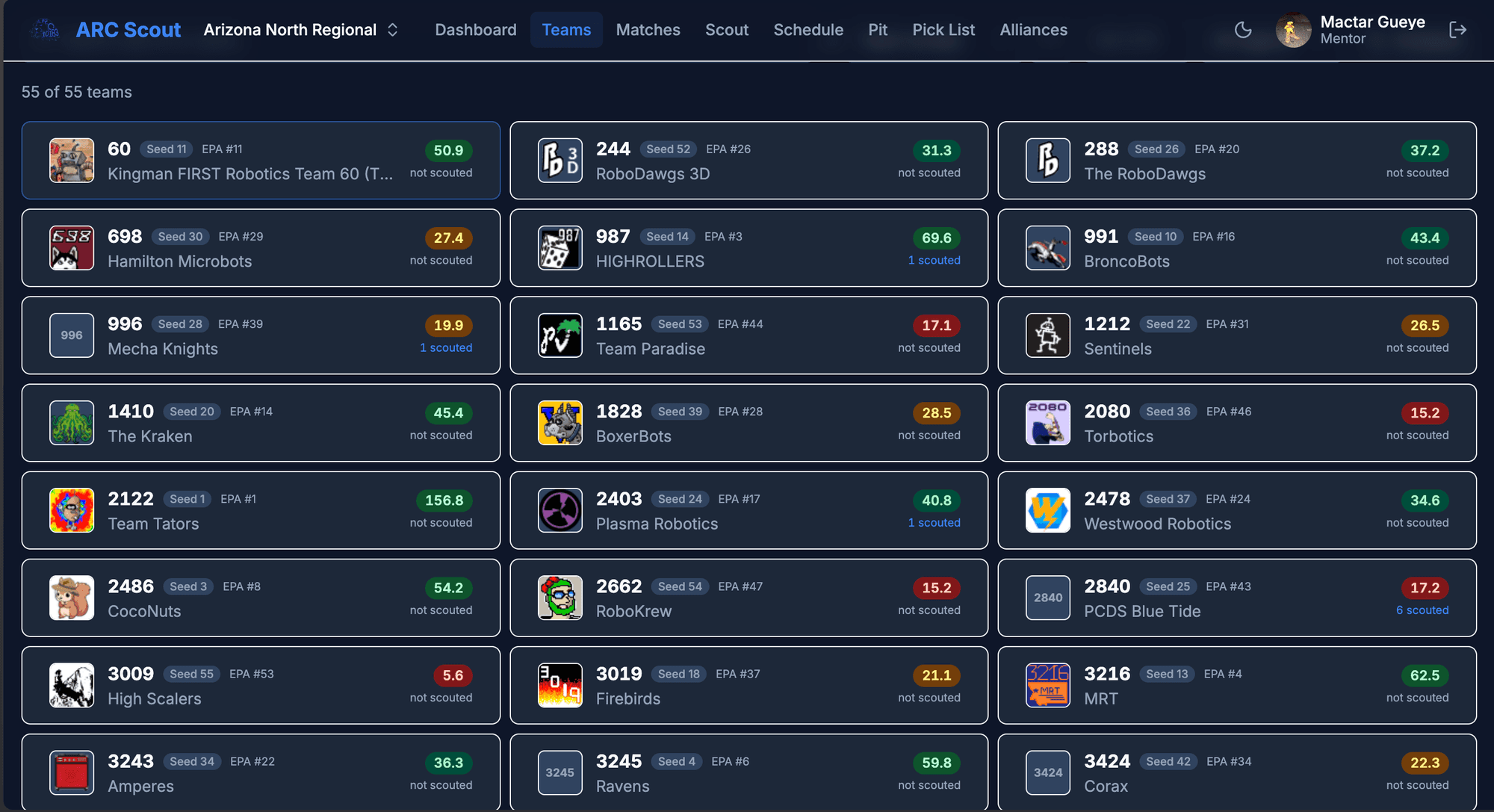
ARCScout
A configurable scouting and data collection app for FRC competitions with real-time team analytics and alliance selection tools.
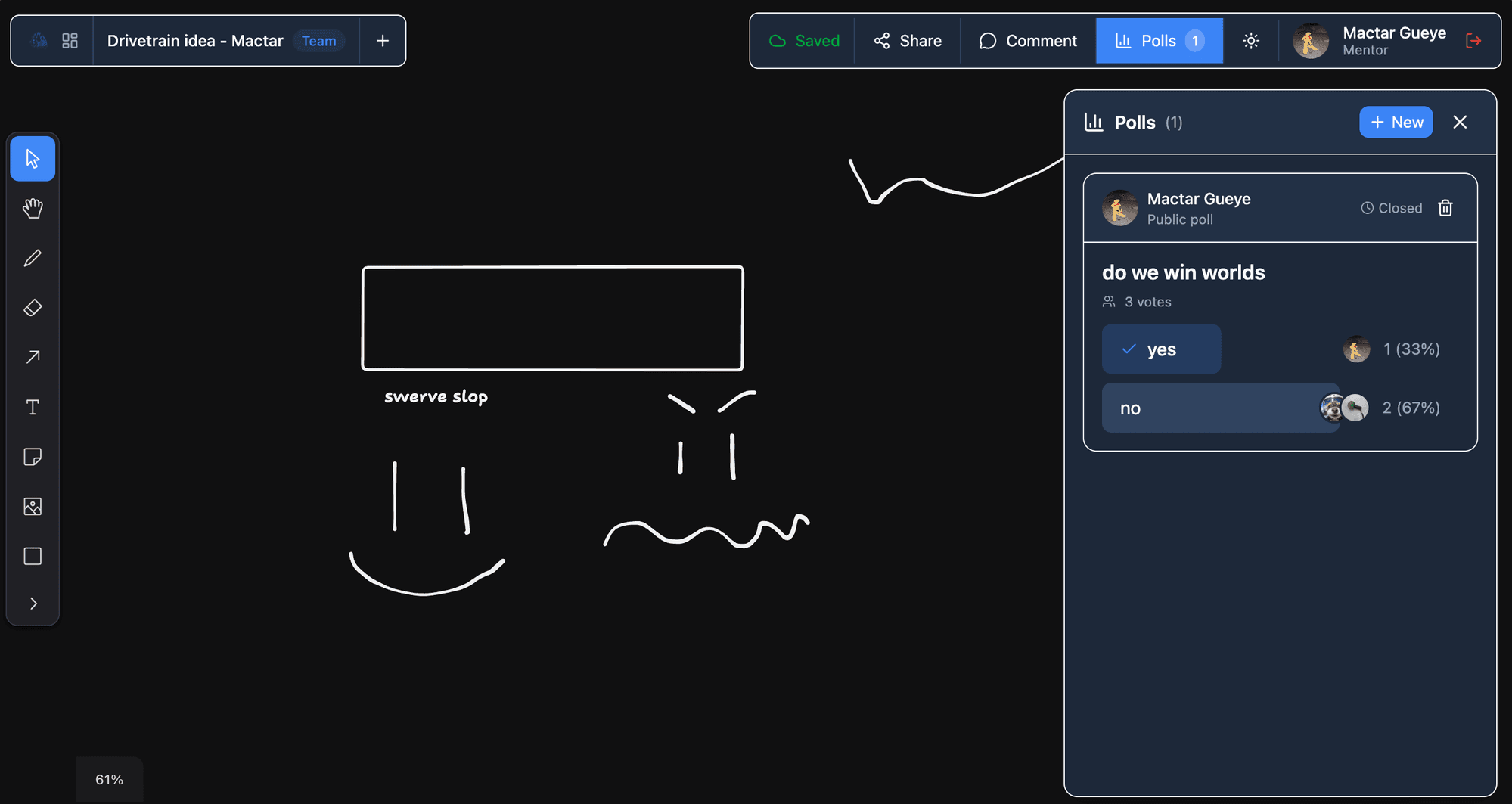
ARCIdeas
A real-time collaborative whiteboard and idea management app for brainstorming robot designs and team decisions.
ARC Auth
A centralized authentication service for the ARC software suite with shared user accounts and cross-app session management.