Part of ARC Team Software Suite
ARC Auth
A centralized authentication service for the ARC software suite with shared user accounts and cross-app session management.
Project Overview
ARC Auth is a centralized authentication service I built to provide shared user accounts across the ARC software suite. Instead of each app (ARCParts, ARCScout, ARCIdeas) managing its own authentication, they all delegate to this single auth service.
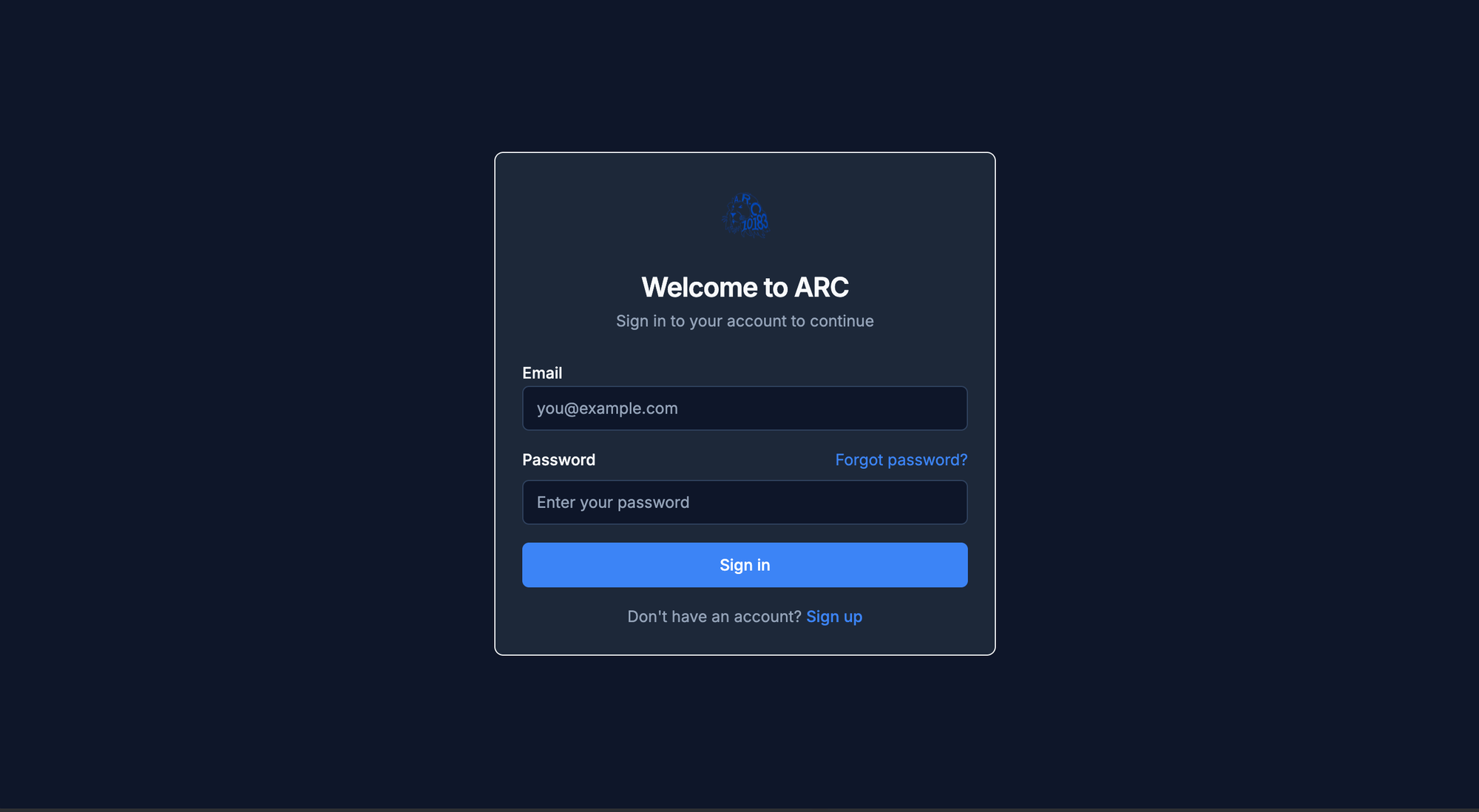
The service handles user registration, sign-in, password reset, and session management. When a user signs up, they get access to all ARC apps with a single account. Mentors can approve or reject new accounts, and users maintain their role (mentor/student) across all applications.
Role: Solo developer, including authentication flow design, security implementation, cross-app redirect handling, and Supabase integration.
Tech Stack: Next.js 15, TypeScript, Supabase Auth, Tailwind CSS, Zod
The Problem
Building separate authentication systems for each ARC app would create several issues:
- Users would need separate accounts for each application.
- Mentors would have to approve the same person multiple times.
- Password resets and profile updates would need to happen in each app.
- Session management across apps would be inconsistent.
- Code duplication across multiple repositories.
The goal was to create a single authentication service that all ARC apps could use, providing a unified user experience while keeping the apps themselves focused on their core functionality.
The Solution
ARC Auth acts as the authentication hub for the entire ARC software suite. Each app redirects to ARC Auth for sign-in and sign-up, then redirects back after successful authentication.
Authentication flows:
- Sign-up with email verification
- Sign-in with email and password
- Password reset via email
- Cross-app session management
- Profile status handling (pending, active, rejected)
When a user visits ARCParts and isn't signed in, they're redirected to ARC Auth. After signing in, they're redirected back to ARCParts with an active session. The same flow works for all ARC apps.
Key Features
| Feature | What It Does | Why It Matters |
|---|---|---|
| Shared Accounts | Single account works across all ARC apps | Users don't need multiple credentials |
| Bootstrap Mentor | First user with configured email becomes admin | Allows initial team setup without manual database access |
| Approval Flow | New accounts start as pending until mentor approves | Prevents unauthorized access to team resources |
| Cross-App Redirects | Preserves original destination after auth | Users land where they intended to go |
| Password Reset | Self-service password recovery via email | Reduces mentor support burden |
Technical Implementation
User Registration Flow
When a user signs up:
- Form validates email, password, and display name using Zod schemas
- Supabase Auth creates the authentication record
- A database trigger creates the corresponding profile
- Profile status is set to "pending" (or "active" for bootstrap mentor)
- User is redirected to a success page explaining their status
// Check if this is the bootstrap mentor
const bootstrapEmail = process.env.BOOTSTRAP_MENTOR_EMAIL;
const isBootstrapMentor = bootstrapEmail && data.email === bootstrapEmail;

// Profile created with appropriate status
const { error: insertError } = await supabase.from("profiles").insert({
  id: authData.user.id,
  email: data.email,
  display_name: data.displayName,
  role: isBootstrapMentor ? "mentor" : "student",
  status: isBootstrapMentor ? "active" : "pending",
});
The bootstrap mentor feature solves the chicken-and-egg problem of needing a mentor to approve mentors. The first configured email address automatically becomes an active mentor.
Sign-In Flow
When a user signs in:
- Credentials are validated against Supabase Auth
- Profile is fetched to check status
- Pending users see a waiting message
- Rejected users are signed out with an error
- Active users are redirected to their original destination
if (profile.status === "pending") {
  redirect("/success?status=pending");
} else if (profile.status === "rejected") {
  await supabase.auth.signOut();
  return { error: "Your account has been rejected." };
} else {
  redirect(validRedirect || "/success?status=active");
}
Cross-App Redirect Handling
Apps pass a redirectTo parameter when sending users to ARC Auth. After authentication, users are sent back to that URL.
Security is critical here. The redirect URL is validated to ensure it points to a trusted domain:
export function validateRedirectUrl(url: string | null): string | null {
  if (!url) return null;

  const allowedHosts = [
    "parts.arc10183.com",
    "scout.arc10183.com",
    "ideas.arc10183.com",
    "localhost:3000",
    "localhost:3001",
    "localhost:3002",
  ];

  try {
    const parsed = new URL(url);
    if (allowedHosts.includes(parsed.host)) {
      return url;
    }
  } catch {
    return null;
  }

  return null;
}
This prevents open redirect vulnerabilities where an attacker could craft a malicious redirect URL.
Shared Profile System
All ARC apps share the same profiles table in Supabase. The profile includes:
| Field | Purpose |
|---|---|
id | Links to Supabase Auth user |
email | User's email address |
display_name | Name shown in apps |
role | mentor or student |
status | pending, active, or rejected |
app_access | Array of apps the user can access |
Apps can grant access to specific users via the app_access array, allowing fine-grained control over who can use each application.
Password Reset Flow
Users can reset their password through a self-service flow:
- User enters email on forgot-password page
- Supabase sends a reset link via email
- Link redirects to ARC Auth's reset-password page
- User enters new password
- Password is updated in Supabase Auth
The reset link includes a token that's validated by Supabase before allowing the password change. The redirect URL in the email points back to ARC Auth so the reset completes in the same service.
Security Considerations
Input Validation: All form inputs are validated with Zod schemas before processing. This catches invalid data early and provides clear error messages.
Redirect Validation: Cross-app redirects are validated against an allowlist of trusted domains. Unknown domains are rejected.
Status Enforcement: Users with pending or rejected status cannot access protected resources. The check happens at sign-in, preventing unauthorized sessions.
Session Management: Supabase handles session tokens securely. The middleware refreshes sessions automatically to prevent expiration during active use.
Integration with ARC Apps
Each ARC app integrates with ARC Auth through a simple pattern:
- Check if user is authenticated in middleware
- If not, redirect to
https://auth.arc10183.com/sign-in?redirectTo={currentUrl} - After auth, user returns with valid session
- App reads profile from shared
profilestable
Apps don't need their own sign-in pages or authentication logic. They simply check for a session and redirect to ARC Auth when needed.
Impact
ARC Auth simplifies user management across the entire ARC software suite. Users create one account and access all applications. Mentors approve users once rather than per-app. Password resets and profile updates happen in one place.
The centralized approach also makes it easier to add new apps to the suite. A new application just needs to redirect to ARC Auth and read from the shared profiles table.
What I Learned
ARC Auth taught me about designing authentication systems that span multiple applications. The key insight was keeping the auth service focused and simple while providing enough hooks for apps to customize their authorization logic.
I also learned about secure redirect handling. Open redirects are a common vulnerability, and validating redirect URLs against an allowlist is essential for any auth system that handles cross-app flows.
Tech Stack
| Area | Tools |
|---|---|
| Frontend | Next.js 15, TypeScript, Tailwind CSS |
| Auth | Supabase Auth |
| Validation | Zod, react-hook-form |
| Database | Supabase (shared with other ARC apps) |
| Deployment | Vercel |
More in ARC Team Software Suite
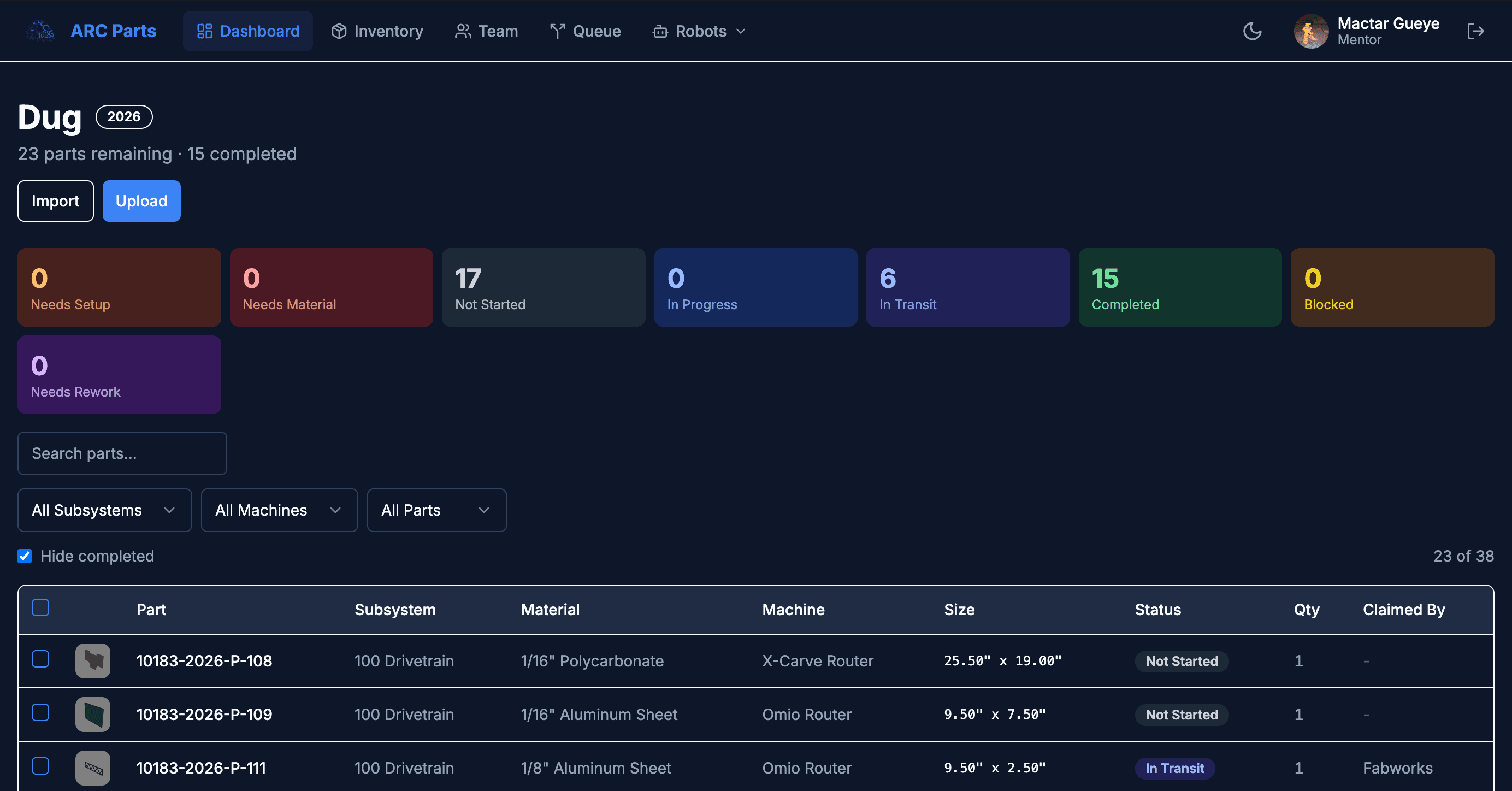
ARCParts
A full-stack manufacturing tracker and inventory management system built for an FRC team workflow.
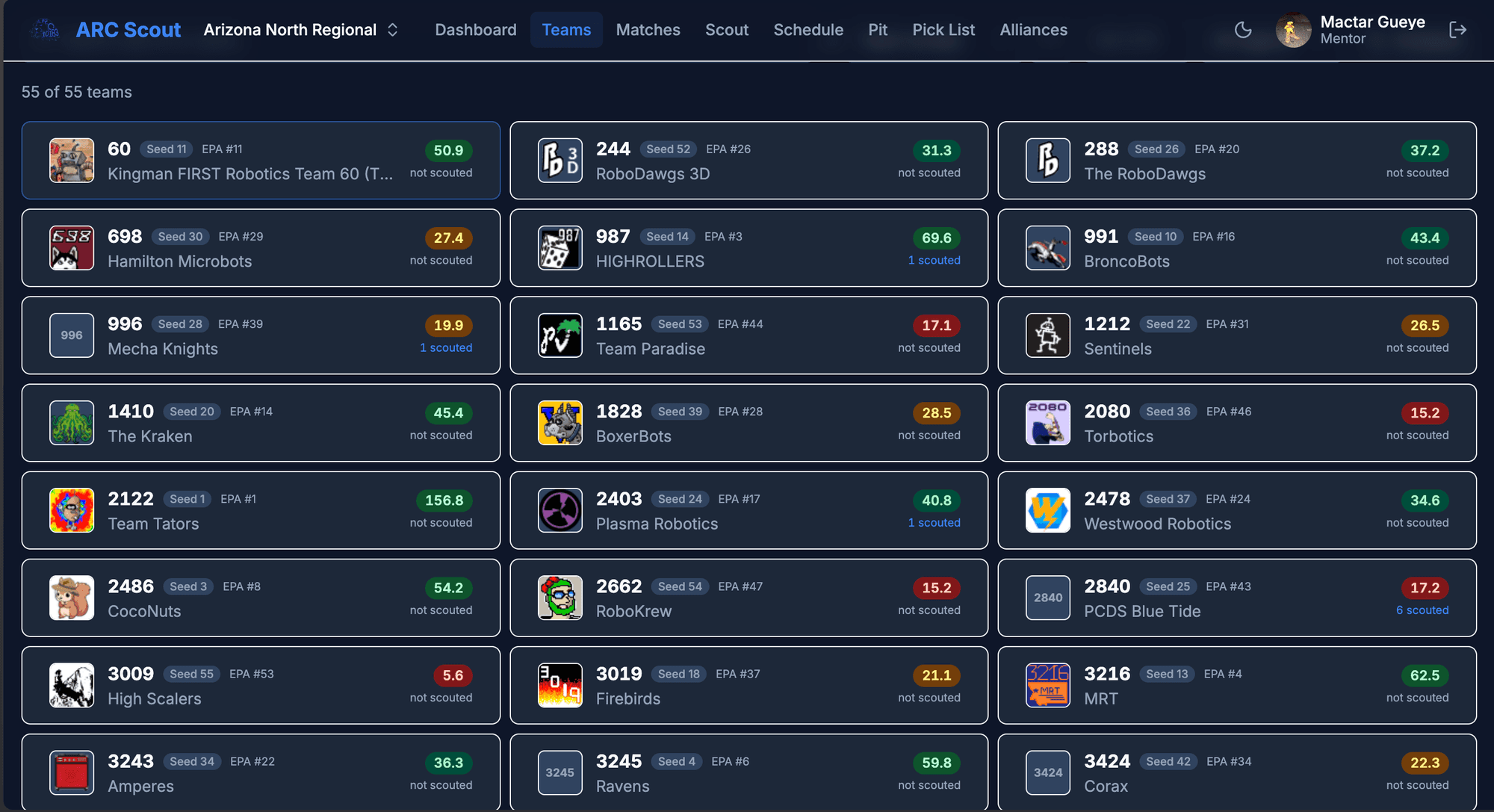
ARCScout
A configurable scouting and data collection app for FRC competitions with real-time team analytics and alliance selection tools.
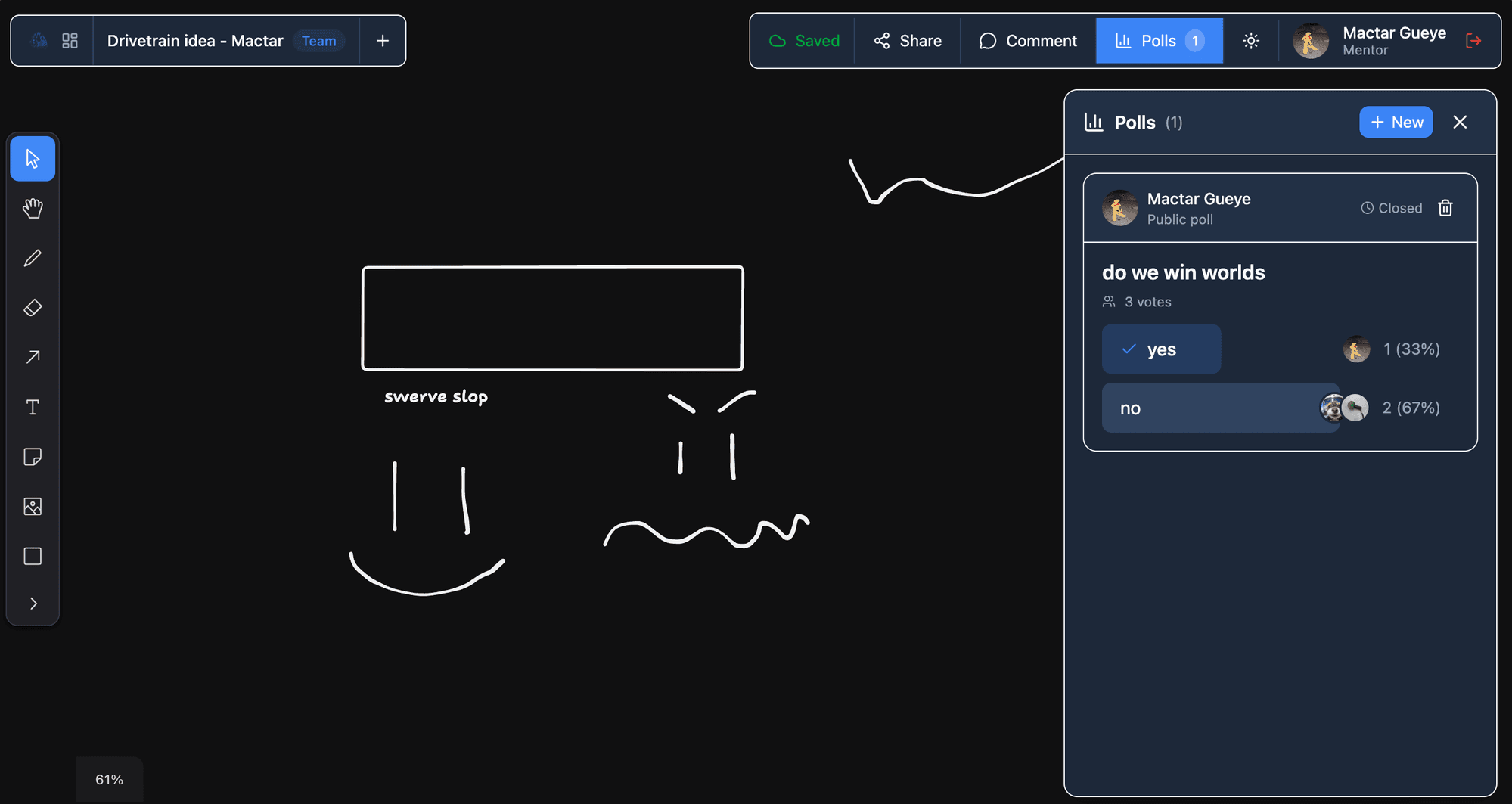
ARCIdeas
A real-time collaborative whiteboard and idea management app for brainstorming robot designs and team decisions.